
Spotify Canvas Strategy for Independent Artists

A good Spotify Canvas strategy comes down to three moves: make a short vertical loop that matches the mood of the song, follow Spotify’s file rules so it uploads cleanly, and refresh it on a schedule so the track keeps giving fans a reason to come back. Canvas is free, it sits right where listeners are already looking, and most independent artists either skip it or upload one clip and forget it.
This guide covers the current specs, how to create and upload a Canvas, what Spotify says the numbers look like, and a simple plan for folding Canvas into your release rollout.
TL;DR
- Canvas is a looping vertical visual that replaces your cover art in the Now Playing view. Spotify’s guidelines call for 3 to 8 seconds, 9:16, 720 to 1080 px tall, in MP4 or JPG.
- Spotify reports that listeners save or playlist tracks with a Canvas more than 4X as often on average, when the Now Playing view is open. Treat that as a reason to try it, not a promise for your track.
- Keep it calm: no talking, singing or rapping, no rapid cuts, no intense flashing.
- Plan a Canvas for every release, then refresh it every few months so the song stays fresh.
- Check Canvas views in Spotify for Artists next to your other song stats, and compare saves and shares before and after each change.
Table of Contents
- What Spotify Canvas is and why it deserves a plan
- Spotify Canvas specs at a glance
- What Canvas can do for engagement
- A five-step Spotify Canvas strategy
- Canvas best practices that save you time
- When to refresh your Canvas
- How to measure whether your Canvas is working
- Where Canvas fits in your wider promotion
- Our perspective: treat Canvas as a funnel asset
- Run your Canvas plan inside UpNComer
- FAQ
- Sources
What Spotify Canvas is and why it deserves a plan
Spotify Canvas is a short looping visual that you attach to a track. According to Spotify’s Canvas guidelines, it plays in a vertical format in the Now Playing view instead of your album artwork. Per Spotify for Artists, listeners can also find tracks with Canvas in visual feeds, or share them to Instagram Stories.
That makes it one of the few pieces of promotion that lives inside the streaming experience itself. You are not asking a fan to leave Spotify, click a link, or follow a new account. You are making the thing they are already listening to look like part of a world.
Spotify’s own team frames it as a storytelling tool: Spotify for Artists says Canvas helps artists tell stories, build context, and create a cohesive artistic vision across their profile. And Rolling Stone described it as a free marketing tool for emerging artists, with a built-in sharing loop that encourages fan interaction.
So why plan it at all? Because a random clip is not a strategy. A plan answers four questions: what should the loop say about this song, how will it be made, when will it change, and how will you know whether it helped.
Spotify Canvas specs at a glance
Get the file right first, so a rejected upload never delays a release week. These are the current requirements from Spotify’s Canvas guidelines:
| Spec | Requirement |
|---|---|
| Length | 3 to 8 seconds |
| Aspect ratio | Vertical 9:16 |
| Height | 720 to 1080 px |
| File type | MP4 or JPG |
| Avoid | Talking, singing, rapping, rapid cuts, intense flashing graphics |
| Consider | Leaving out the song and artist names |
Two practical notes from Hypebot’s Canvas guide: keep the important action in the top three quarters of the frame so the player controls do not cover it, and consider exporting slightly under 8 seconds, such as 7.9, to avoid a rejection that an exact 8-second file can trigger. Neither is a Spotify rule, but both are cheap insurance.
What Canvas can do for engagement
Here is what Spotify itself reports, with the usual caution that these are Spotify’s own figures and not a guarantee for any single song.
- In its Fan Study (October 2023), Spotify says that when the Now Playing view is open, listeners save or playlist tracks with a Canvas over 4X more on average than tracks without one. It also says adding or refreshing a Canvas boosts off-platform shares by more than 10% on average.
- Spotify’s Canvas Metrics Guide (2019) associated a high-quality Canvas with stream increases of up to 120% and saves of up to 114%.
- Per Rolling Stone (2021), Spotify reported that sharing a track with a Canvas to Instagram Stories increases sharing by 145% compared with sharing without one.
The same metrics guide describes Canvas as part of a funnel: strong visuals give the listener a journey that can turn a casual streamer into a devoted fan. That framing is useful. Streams are the top of your funnel, and saves, playlist adds and shares are the signals that someone is moving down it.
Notice what these figures measure: saves, playlist adds and shares. They do not say Canvas turns a bad song into a hit. They say a listener who is already looking at the screen is more likely to act when there is something worth looking at.

A five-step Spotify Canvas strategy
1. Pick one idea per song
Before you open an editor, write one sentence: what does this track feel like? A night drive, a kitchen-floor breakup, a sunny cookout. Your Canvas should deliver that feeling in three to eight seconds, with no explanation.
Tie it to the rest of your release visuals. If the cover art is grainy film and warm light, the Canvas should look like it came from the same roll. If you are still working out your look, our guide on how to brand yourself as an artist helps you lock the visual identity first.
2. Shoot or build simple, not busy
You do not need a crew. A Canvas can be a single JPG with subtle motion added, a phone clip of one gesture, an animated cover, or a loop of footage from a video shoot. Spotify accepts MP4 or JPG, so even a still works.
What tends to work on a small screen:
- One subject, one motion. A hand turning a dial, hair moving in wind, a neon sign flickering softly.
- High contrast and clean framing, because the visual is small and sits behind the controls.
- Slow, steady movement. Spotify says to avoid rapid cuts and intense flashing graphics.
- No performance footage with lips moving. The guidelines say to avoid talking, singing or rapping.
If you would rather not do the layout, resizing and loop work by hand, the Content Creator module inside UpNComer is designed to help you generate and schedule visual assets for a release in the same place you plan the rest of the campaign.
3. Choose the right loop type
Spotify’s guidelines describe three ways to loop your clip:
| Loop type | What it does | Best for |
|---|---|---|
| Continuous Loop | Seamless feel, no visible restart | Ambient motion, textures, slow camera moves |
| Hard Cut | Clear edit point at the restart | Rhythmic, graphic or stylized visuals |
| Rebound | Plays forward, then in reverse | Simple gestures that look natural both ways |
If you are not sure, start with a continuous loop. A visible jump every eight seconds is fine when it is intentional, and distracting when it is not.
4. Upload it
Per Hypebot, the path is simple: log in to Spotify for Artists, select the track, and click Add Canvas in the top right. Then preview it in the mobile app view before you publish, checking that nothing important sits under the controls and that the loop point does not feel jarring.
If the upload fails, check the basics in order: aspect ratio 9:16, height between 720 and 1080 px, file type MP4 or JPG, and length within 3 to 8 seconds. Re-export slightly under 8 seconds if you are right on the limit.

5. Put it on your release calendar
Canvas works best when it is planned, not tacked on after the track is live. Add it to your release checklist as a deliverable with a due date, alongside cover art, metadata and pitch materials. Our music release checklist shows where it fits, and the 12-week artist rollout plan helps you decide which songs deserve a custom Canvas and which can share one.
Canvas best practices that save you time
Make the first frame count. Many listeners see the Canvas for a moment while they decide whether to stay. Open on the strongest image, not a fade from black.
Do not fight the song. One of the first tips Spotify for Artists gave artists, in its 10 tips post, was about telling a story over time rather than trying to sync the clip to the track. Eight seconds will not line up with a three-minute song anyway, so aim for mood and not sync.
Skip the text. Spotify suggests considering leaving song and artist names out, since the app already shows them. Words in the frame also compete with the controls.
Check it on a real phone. A preview on desktop hides how small everything is. Look at it at arm’s length on your own device.
Keep your catalog consistent. If you have eight songs live and three have Canvas, your profile feels uneven. Fill your top tracks first, since those are the ones new listeners hit.
Reuse smartly. One strong visual language can cover a whole EP, with a small variation per track: a different color grade, a different object, the same camera style.
When to refresh your Canvas
A Canvas is not a one-and-done asset. Spotify for Artists notes that you can update visuals over time to tell a story, explore different visions, keep fans engaged, or feature fan art. And per Spotify’s Fan Study, adding or refreshing a Canvas lifts off-platform shares by more than 10% on average, so a refresh is a legitimate promotion beat.
A simple refresh rhythm for a single release:
- Release day: the main Canvas, matched to the cover art.
- Four to six weeks later: a variation, maybe a new angle or a behind-the-scenes moment, timed with a playlist push or a music video drop.
- Every few months after that: a fresh visual on your best catalog songs, or a fan-art loop if your audience is making art for you.
The refresh is also a content moment. Announce it in your Stories, send it to your email list, and give fans a reason to open Spotify. If you run a newsletter, our guide to musician email marketing covers how to turn small updates like this into steady fan contact.
If your visuals are getting more ambitious, say you are building a recurring character, a series, or a short film that your Canvases all pull from, a professional crew can help. A team that handles storytelling video production can shoot one session and cut it into a full set of loops, covers and promo clips.
How to measure whether your Canvas is working
Spotify says Canvas view counts show up in Spotify for Artists alongside your other song stats, and that they are cumulative even when you update the Canvas (per the Canvas Metrics Guide). That last detail matters: a total view count will not tell you whether the new version beat the old one.
So track the change yourself:
- Note the date of every Canvas upload or refresh.
- Record the baseline a week before: streams, saves, playlist adds and shares for that song.
- Compare the week after, and ignore weeks that overlap with a playlist add or an ad push, since those muddy the result.
- Watch the save rate, meaning saves divided by listeners. It is a better signal of fit than raw plays. Our post on lifting Spotify save rates shows how to run simple cohort tests.
The Data Analyst module in UpNComer is built to bring streaming analytics and audience insights into one dashboard, so you can line up changes like a Canvas refresh against your other numbers without exporting spreadsheets. Be honest about what you can conclude: one change in one week is a clue, not proof. Repeat the pattern across a few releases before you decide what works for your audience.
Where Canvas fits in your wider promotion
Canvas will not replace playlist pitching, ads or fan engagement. It makes each of them work a little harder.
- Playlist pitching: when a curator or listener lands on your track, the Canvas is part of the first impression. See our playlist pitching best practices, and the guide to writing a Spotify editorial pitch for the pitch itself.
- Emerging artist playlists: if you are aiming for smaller, discovery-focused lists, see how emerging artist playlists work.
- Social sharing: a Canvas travels with the track when a fan shares it to Instagram Stories, so a strong loop is a free mini ad.
- Video platforms: the same footage can be recut for short-form video. Our YouTube music promotion playbook covers that side.
- The big picture: for how these channels connect, read online music promotion explained.
Our perspective: treat Canvas as a funnel asset
Most artists treat Canvas as decoration. We treat it as a small, free piece of infrastructure that sits at the exact moment a listener decides whether to save your song.
The artists who get the most from it do three boring things well: they plan the visual before release week, they refresh it on a schedule, and they write down what changed in their numbers. None of that needs a big budget. It needs a system.
That is why we built UpNComer around one workspace instead of a dozen tabs. Amplitude AI is designed to help you decide what to make and when, the Content Creator helps you produce the assets, and the Growth Engine and Data Analyst are there to connect a visual change to what actually happened with your listeners. A full digital music team, without giving up creative or financial control.
Canvas is a good first place to practice that habit: one small asset, one clear question, one result you can learn from.
Karan
Run your Canvas plan inside UpNComer
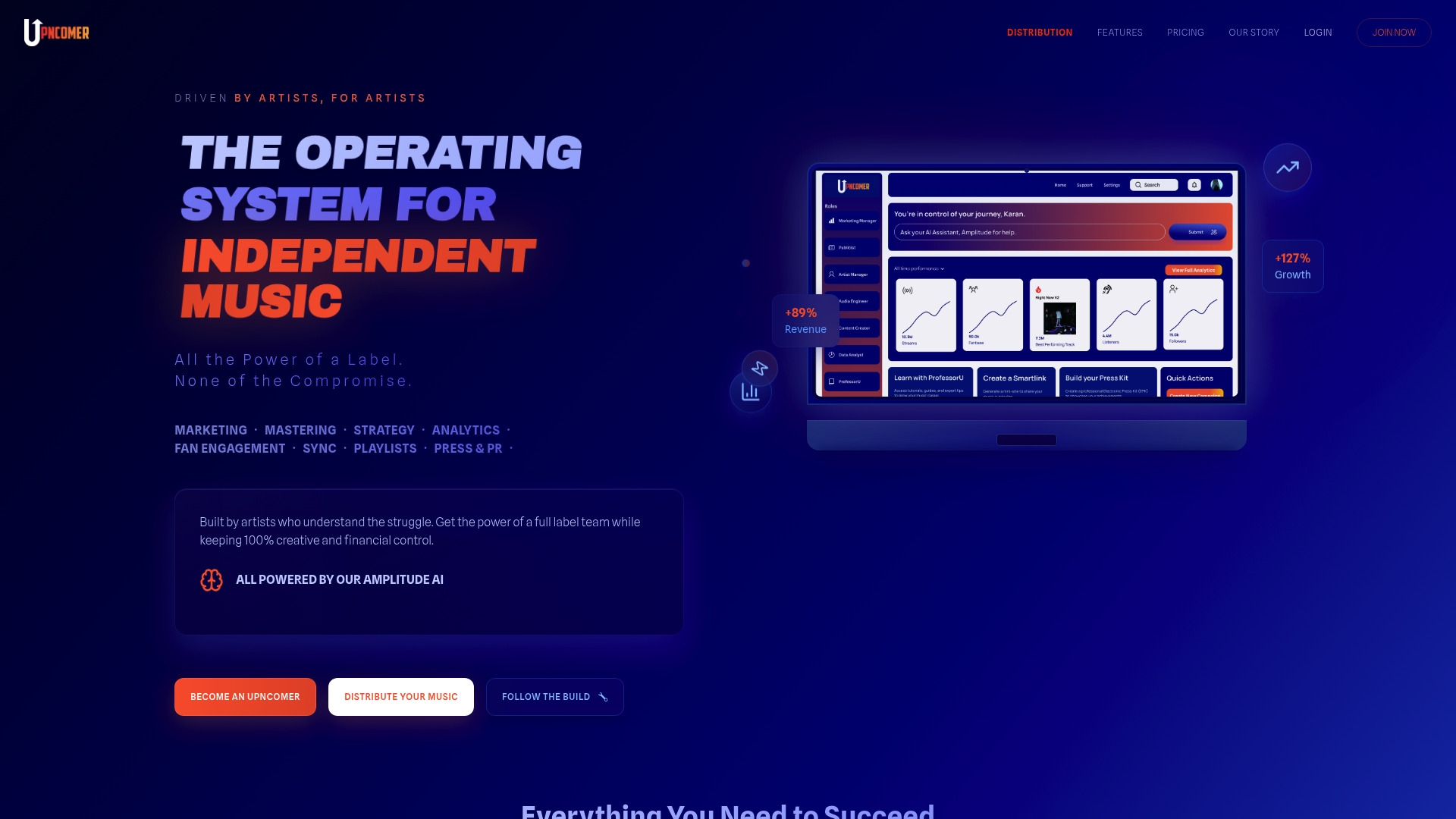
If you are juggling release plans, visuals, ads and stats in different apps, UpNComer brings them together. Amplitude AI guides your planning, Content Creator helps you build and schedule visuals, and Data Analyst keeps your streaming analytics in view. UpNComer Pro is $27 per month or $300 per year.
Ready to get your music out too? Music Distribution has no subscription fee, only a 6% royalty split, so your release, your Canvas and your campaign can all be set up in one place.
FAQ
What are the Spotify Canvas specs?
Spotify’s guidelines call for a vertical 9:16 file, 3 to 8 seconds long, 720 to 1080 px tall, in MP4 or JPG. Avoid talking, singing, rapping, rapid cuts and intense flashing graphics. Consider leaving song and artist names out of the frame.
How do I create a Spotify Canvas?
Make a short vertical loop that matches the song’s mood, using phone footage, animation or a moving still. Then log in to Spotify for Artists, select the track, and click Add Canvas in the top right. Preview it on your phone before you publish.
Does Spotify Canvas increase streams?
Spotify reports that listeners save or playlist tracks with a Canvas over 4X more on average when the Now Playing view is open. Results for your own song will vary, so track saves, shares and streams before and after you add or change one.
How often should I change my Canvas?
There is no fixed rule. A practical rhythm is a launch Canvas, a variation four to six weeks later, and a refresh every few months on your best songs. Spotify says a refresh can lift off-platform shares, so tie it to a promo moment.
Sources
- Canvas guidelines, Spotify
- Canvas, Spotify for Artists
- 10 Tips to Get the Most from Your Canvas, Spotify for Artists
- Fan Study: Fan Connection, Spotify for Artists
- Canvas Metrics Guide, Spotify for Artists
- Spotify’s Interactive Art Tool Goes Wide, Rolling Stone
- Guide to making Spotify Canvas videos, Hypebot
- Brand storytelling videos